



How to Choose, Climb, and Conquer the Right Shelf
If you’ve ever wondered why your beautifully written book isn’t selling—despite a great cover, a catchy blurb, and a marketing push—the answer might be simpler than you think: You may be sitting on the wrong shelf.
Welcome to the often-overlooked world of Amazon KDP categories. These quiet little labels might seem like background details, but they can make the difference between getting lost… and getting seen.
Let’s break down how categories actually work—and how you can use them to your advantage.
What Are KDP Categories, Really?
When you publish through Amazon KDP, you’re asked to choose categories for your eBook or paperback. These are basically the digital shelves your book will sit on in Amazon’s bookstore.
Sounds straightforward, right?
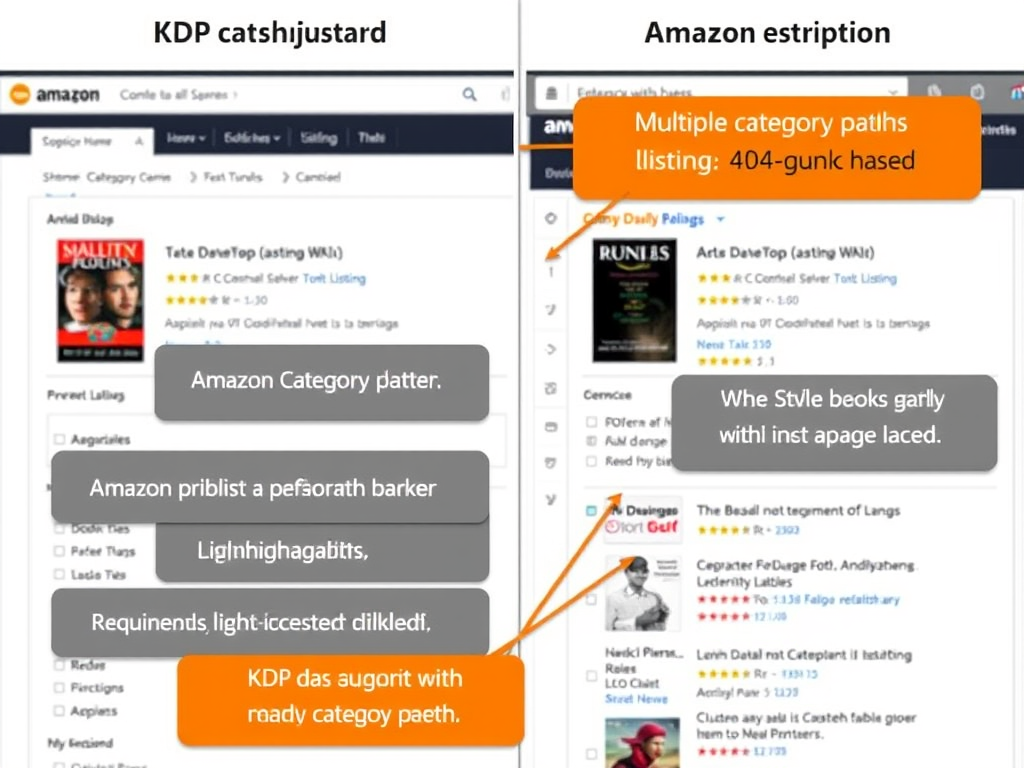
Except it’s not. Because the categories you select in KDP’s dashboard are not the same as the actual ones Amazon displays publicly. In fact, Amazon uses a much larger internal system—with thousands of potential categories and subcategories—and only a small portion is visible to authors during setup.
This means that unless you know how to request the right categories, your book might be appearing in irrelevant—or hyper-competitive—places, invisible to your ideal reader.
Why Categories Matter More Than You Think
Categories are not just for organization. They’re also part of how Amazon decides:
- Who to show your book to
- Which books show up in “related titles”
- How you rank in the Top 100 lists
- Whether or not you get those algorithmic boosts we all crave
Choosing the right categories can:
- Help you hit #1 Bestseller status in a niche (and earn that shiny orange badge!)
- Increase your visibility without additional ads
- Target your ideal reader more effectively
In short: categories are free marketing, if you use them well.
How to Choose the Right Categories
Instead of guessing, think of categories like matchmaking. You’re trying to find where your ideal reader would go browsing.
Here’s how to do it:
1. Reverse-engineer your competitors.
Search for books similar to yours in tone, theme, and genre. Scroll down to the “Product Details” section and take note of the categories they’re ranking in. Click those links to explore further.
You might be surprised by how specific or strategic their placement is. For instance, instead of “Romance > Contemporary,” they might be ranking in “Romance > Multicultural & Interracial” or “Romantic Comedy > Workplace.”
2. Use a category research tool.
Tools like Publisher Rocket or KDSpy can show you exact categories, how competitive they are, and how many sales it takes to rank in the Top 100. This is especially helpful for newer authors trying to break into niches with high demand but low competition.
3. Think niche—but not too niche.
The sweet spot is a category where readers actively browse and you can realistically rank. Avoid categories with over 10,000 books unless you have a large audience. But also avoid the ones with zero rankings—it might mean no one is looking there.
How to Add More (and Better) Categories
Here’s the good news: You’re not stuck with the categories you selected during setup.
Once your book is live, you can contact Amazon KDP support and ask them to add up to 10 categories per format (eBook and paperback). That means you can be listed in 10 different eBook categories, and another 10 for your paperback.
Here’s how:
- Go to KDP Help
- Choose “Amazon Store & Product Detail Page” → “Update Amazon Categories”
- Send a request listing the full path of the categories you want (e.g., Books > Romance > Romantic Comedy > Workplace)
Make sure your book fits each category—Amazon may reject them if it’s not a good match. But if it fits? You’ve just unlocked the chance to be seen in multiple places without paying a cent.

Common Mistakes to Avoid
It’s easy to get caught up in the bestseller badge chase or try to game the system with ultra-niche categories. But be careful:
- Don’t choose irrelevant categories just to rank. Readers will be confused (and annoyed), which can lead to bad reviews.
- Don’t ignore your paperback. Each format needs its own category strategy.
- Don’t forget to update your categories when launching a new book or series. What worked once might not work again.
The truth is: categories are not a set-it-and-forget-it game. They’re part of your marketing strategy and should evolve with your catalog.
Real Results: A Personal Example
When I first launched The Widow’s Curse, I had it listed under “Contemporary Romance.” A week later, I added 6 additional categories: “Women’s Fiction > Widow,” “Romantic Comedy > British,” and “Romance > Plus Size.”
Within days, I saw a spike in visibility—and sales. Why? Because readers browsing those specific subgenres finally found me.
Now, for every book I publish, categories are part of my launch checklist. Not an afterthought.
Final Thoughts: Own Your Shelf
Categories are not glamorous. They’re not the sexy part of publishing. But they are powerful.
Think of them as the bookstore aisles where your readers are waiting—browsing, hoping, searching for you. You just have to make sure you’re in the right place.
Don’t let your book be misplaced in a warehouse when it could be featured in a window display.



 Sonia M. Rompoti, MSc, Bsc
Leave a comment